
Set Calorie Goals for Different Weekdays
Gympal lets you set a daily macro goal for different weekdays. Learn how to do it.
Setting different calorie and macro goals for different weekdays can be useful if your activity level varies throughout the week.
To set a daily macro goal for different weekdays:
- Open the Profile screen
- Tap the three bars icon in the top-right corner
- Go to Your goals > Macro Targets
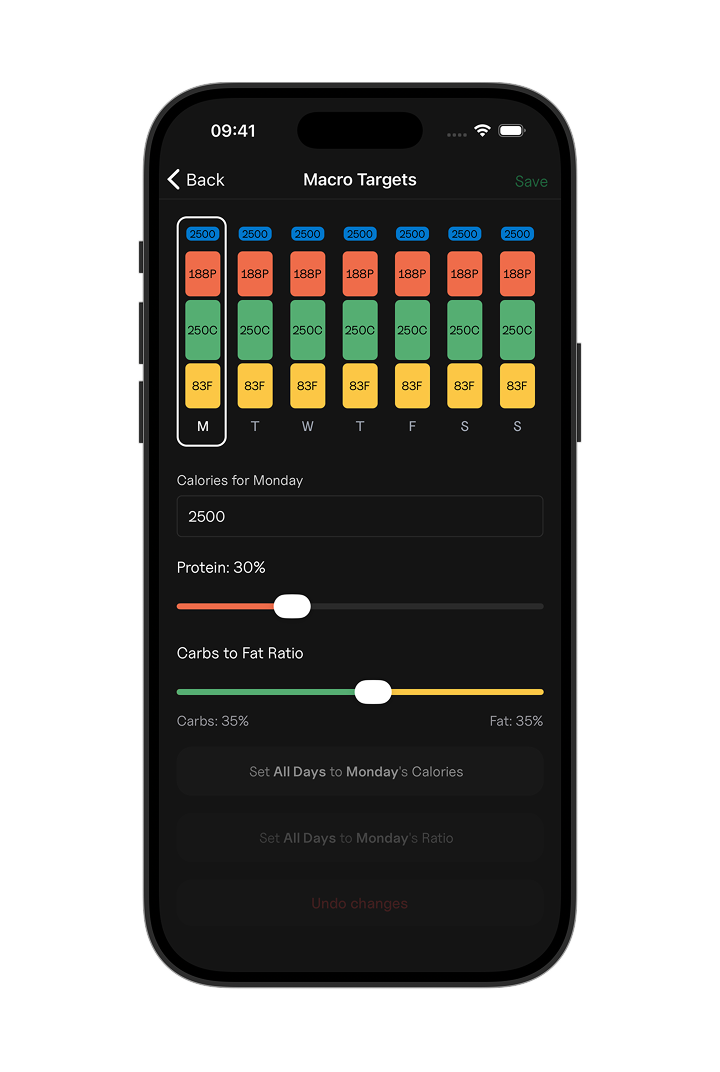
After saving, you will see the new targets automatically as the week progresses.