
Logging Different Types of Sets
Learn about the different set types and how to log them in your workouts.
Set Types in Workouts
Different set types let you track how you train. Each type has its own way of being logged.
You can change the set type when creating a routine or during a workout. Tap the set number to see the available options.
Changing Set Types
You can change the set type when creating a routine or during an active workout. Just tap the set number to open the set type menu.
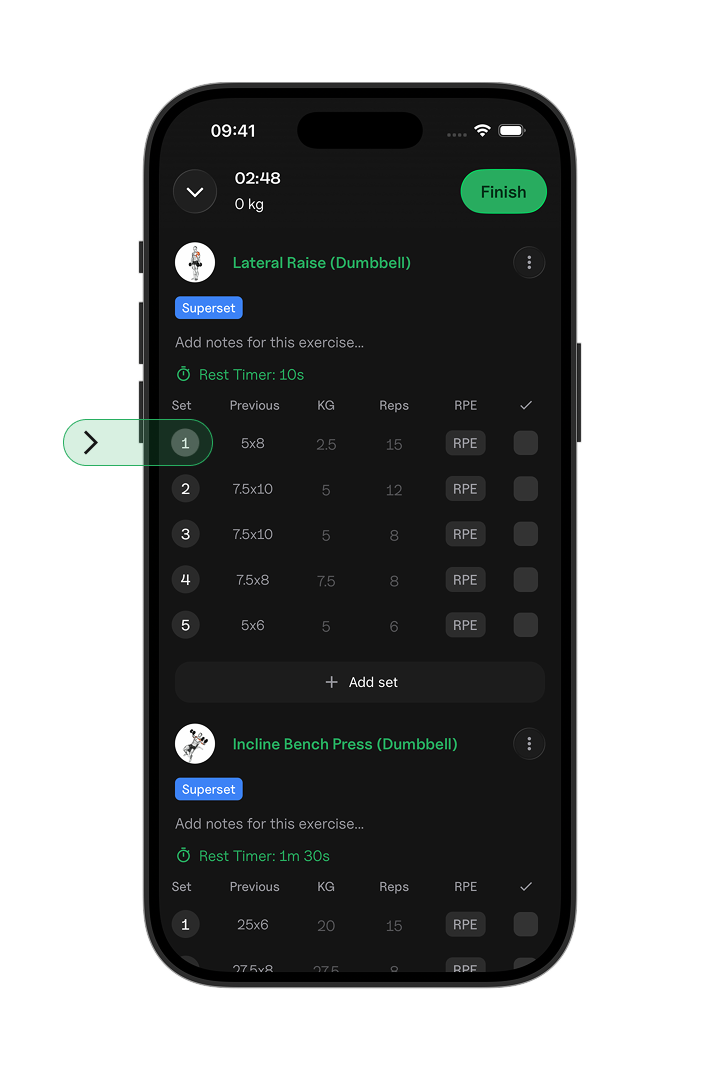
After tapping the set number, you will see the set type options:
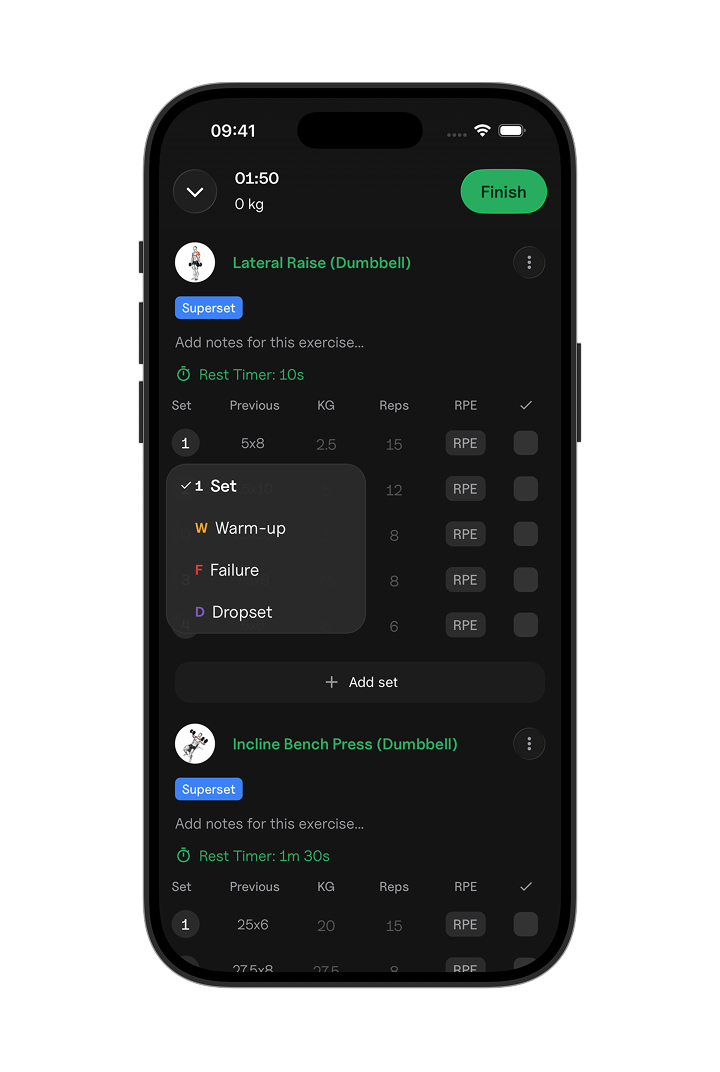
Standard Set (Set)
A regular working set with a specific weight and rep target. This is the default set type.
Warm-up Set
A lighter set used to prepare for your working sets.
Warm-up sets are marked with W and are usually done with a lighter weight.
Failure Set
A set where you continue until you can't complete another rep with good form.
Failure sets are marked with F.
Drop Set
A set where you lower the weight and continue doing reps without taking a full break.
Drop sets are marked with D. Enter each weight and rep count, and they will be grouped together as one set.