How to Superset Exercises
Learn how to group exercises into supersets or remove them from a superset.
A superset groups two exercises together so you perform them back-to-back before taking your normal rest period.
Adding a superset
To add a superset to your on-going workout:
- Open the active workout
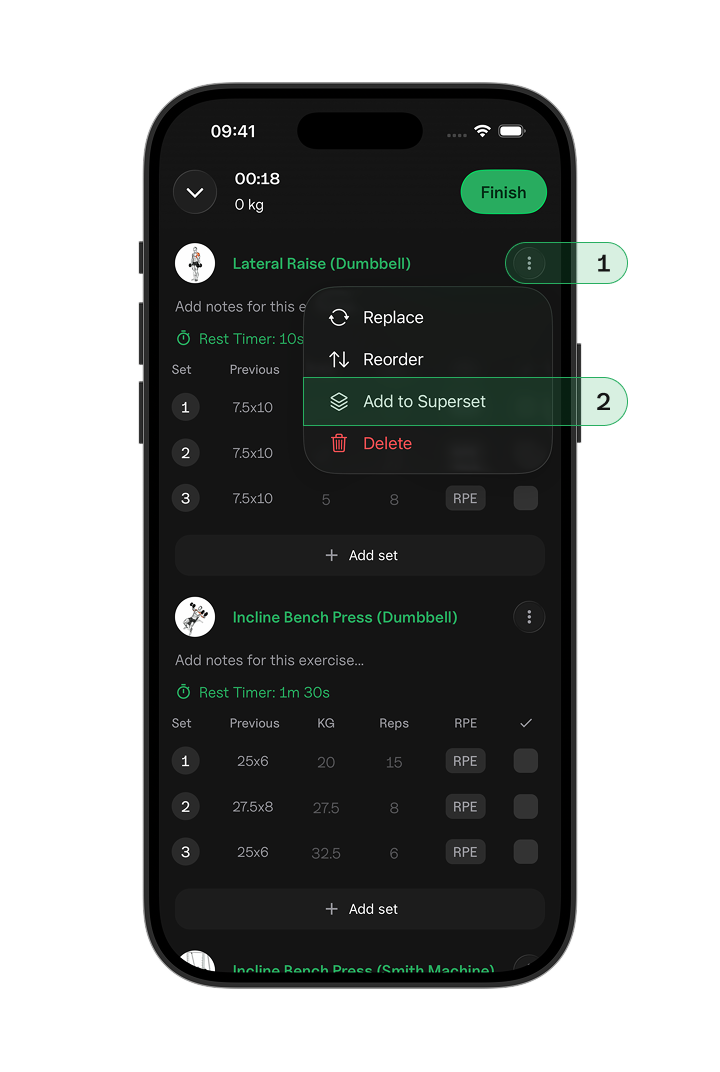
- Tap the three dots next to the exercise you want to superset.
- Tap Add to Superset.
Removing a superset
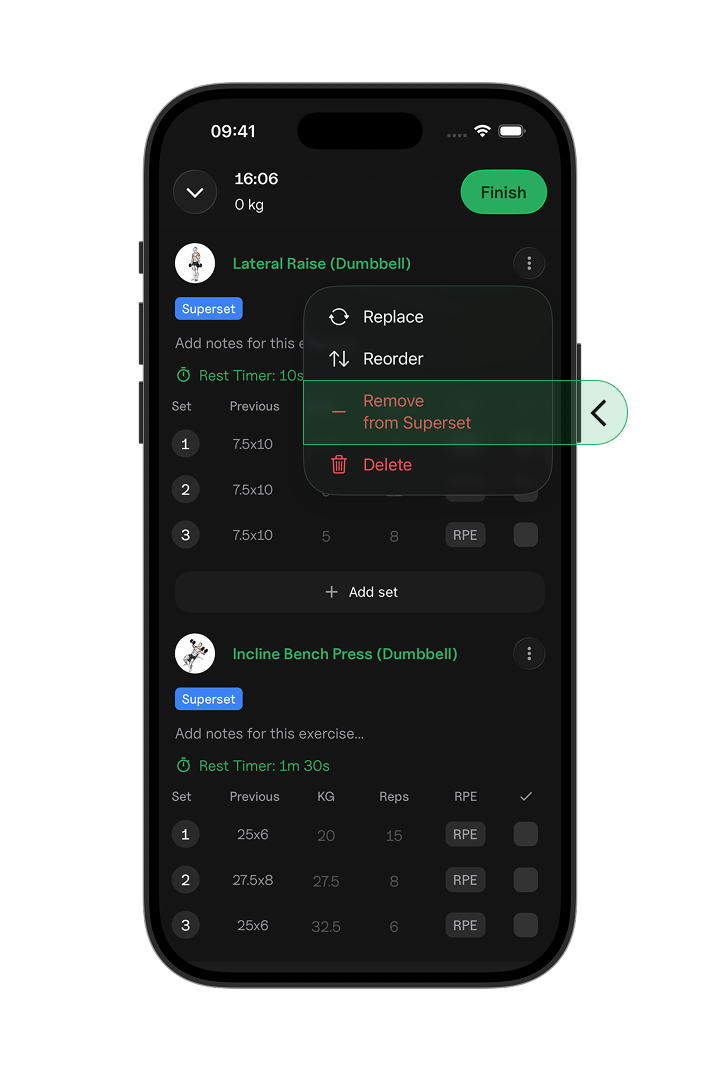
If you no longer want two exercises grouped together, tap the three dots next to the exercise you want to remove. Then select Remove from Superset.
The exercises will remain in your workout, but they will no longer be performed as a pair.