
Hide Calories
To turn it on, go to the Account tab, tap the settings icon in the top right, and switch on Hide Calories.
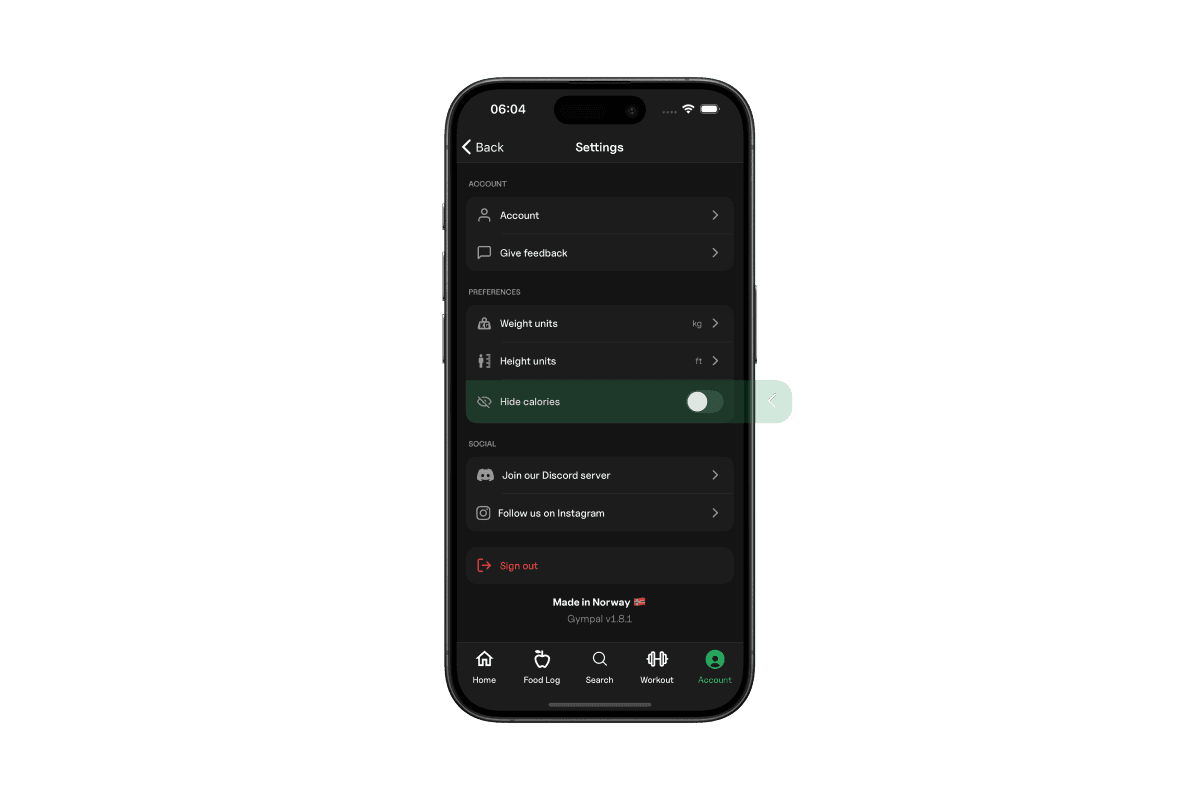
Gympal lets you hide all calorie values across the app, making it easier to track your food without focusing on total calories. This is especially helpful if you prefer to track macros like protein, carbs, and fat without the pressure of calorie numbers.
To turn it on, go to the Account tab, tap the settings icon in the top right, and switch on Hide Calories.
When you enable Hide Calories, Gympal removes all calorie displays from:
You can still see and log all macros normally, only calories are hidden.
You can turn Hide Calories on or off anytime in your settings.
Explore all the tools Gympal offers.